

PLC Basics for Beginners: A Complete Guide from Input to Output

FOLKSAUTOMATION.COM – If you are stepping into the world of industrial automation, you will hear one acronym repeated constantly: PLC.
While it might sound technical, the concept is surprisingly simple. Based on the outline you provided, we have created this comprehensive guide on PLC basics for beginners. Whether you are a student, a technician, or a business owner looking to modernize with Folks Automation, this guide covers everything from the “Why” to the “How.”
Why are PLCs Important in Industry?
Before we dive into the technical details, let’s answer the big question: Why do we need them?
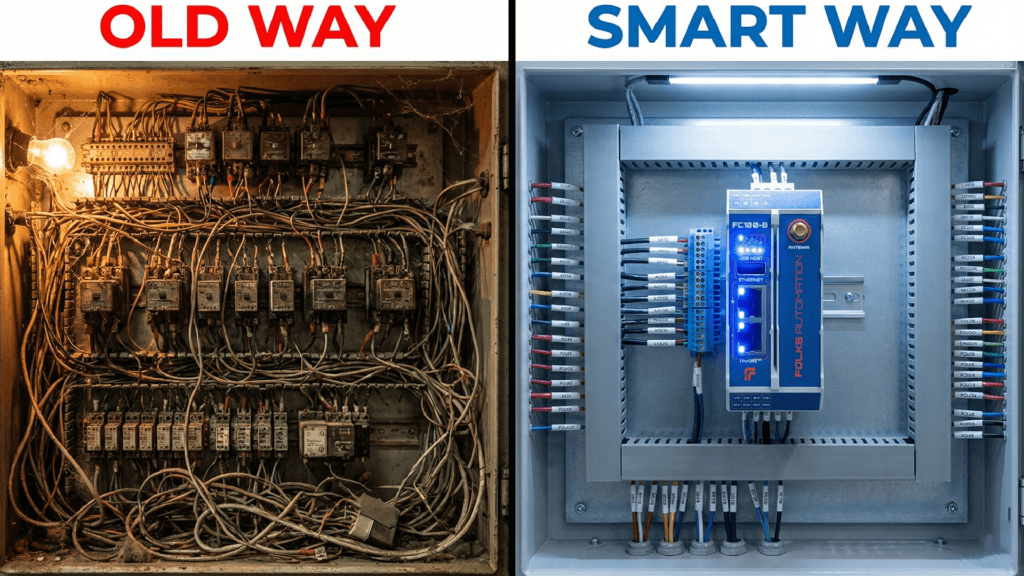
Before PLCs existed, factories used massive walls of electrical relays to control machines. If you wanted to change how a machine worked, you had to physically rewire hundreds of cables. It was expensive, slow, and dangerous.
The PLC (Programmable Logic Controller) changed everything because:
- Flexibility: You can change the logic by typing code, not by rewiring cables.
- Reliability: Unlike standard computers, PLCs are built to withstand dust, heat, and vibration.
- Speed: They process signals in milliseconds, ensuring safety and efficiency.
Basic Concept: The “Industrial Brain”
To understand PLC basics for beginners, imagine the PLC as the brain of a machine.
Just like a human brain needs eyes to see and hands to move, a PLC needs:
- Input Devices: To “see” the world (Sensors, Switches).
- Output Devices: To “act” on the world (Motors, Valves, Lights).
- The CPU: To make decisions based on the rules you provide.
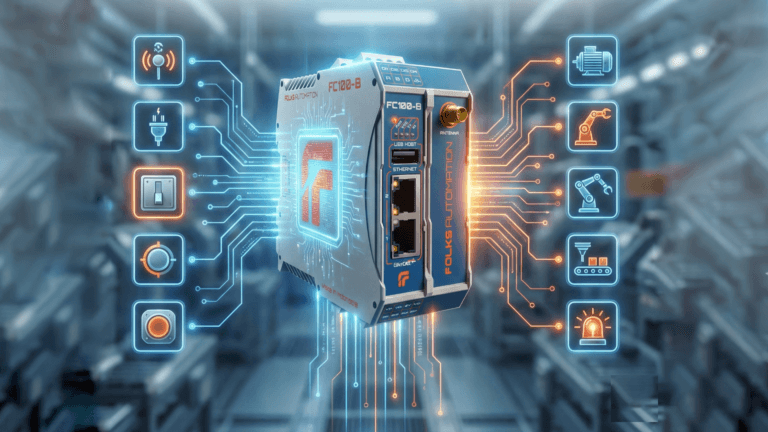
Modern controllers, like the [Folks FC100-B], take this concept further by adding IoT capabilities, allowing the “brain” to also talk to the internet.
How a PLC Works (The Input-Process-Output Flow)
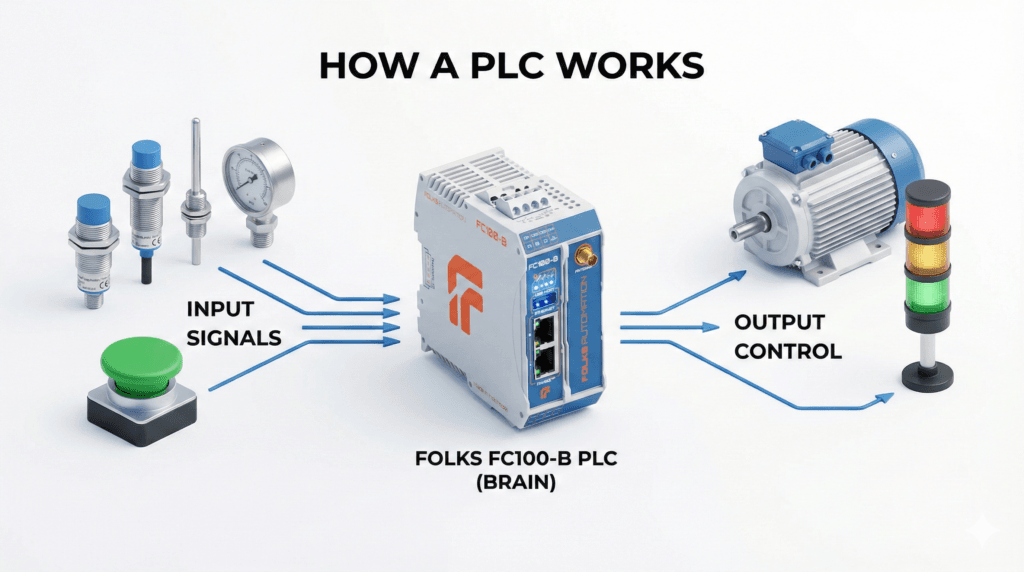
The operation of a PLC is linear and logical. Here is the step-by-step flow:
- Monitoring: The PLC checks the status of all connected sensors (Is the button pressed? Is the tank full?).
- Decision Making: The CPU looks at the internal program logic (e.g., “If the tank is full, stop the pump”).
- Action: The PLC sends an electrical signal to the output device to perform the task.
The Scan Cycle: The Heartbeat of Automation
A PLC doesn’t just run the code once; it runs it in a continuous loop called the Scan Cycle. This happens incredibly fast—often widely under 10 milliseconds.
- Read Inputs: Snapshot of all current sensor states.
- Execute Program: The CPU runs through your logic ladder or script.
- Write Outputs: The CPU updates the physical devices (turning motors on/off).
- Housekeeping: The PLC checks its own health and network communications.
Example: A Simple Start/Stop Motor
Let’s look at a real-world example of PLC basics for beginners. Imagine a conveyor belt.
- Input: A Green “Start” Button and a Red “Stop” Button connected to our [Remote IO FCIO Modules].
- Logic: When the Green button is pressed, engage the internal memory bit to “ON”. If the Red button is pressed, break the circuit.
- Output: The PLC sends 24V DC to the motor contactor, and the conveyor starts moving.
PLC Programming Languages
How do you talk to these machines? There are several standard languages defined by the IEC 61131-3 standard:
- Ladder Logic (LD): The most popular. It looks like electrical wiring diagrams.
- Structured Text (ST): Looks like standard coding (Pascal/C), good for complex math.
- Function Block Diagram (FBD): Connecting blocks together.
At Folks Automation, the FC100-B supports standard languages via Codesys, but we also support modern IT languages like Node-RED and Python. This makes it easier for the new generation of engineers to get started.
Common Mistakes Beginners Make
Learning PLCs can be tricky. Here are common pitfalls to avoid:
- Ignoring Safety: Never rely solely on software for emergency stops. Always use a hardwired E-Stop button.
- Overcomplicating Code: Keep your logic simple. Complex code is hard to troubleshoot later.
- Forgetting Comments: Always label your variables and write notes in your code so others (or your future self) understand it.
Conclusion
Mastering PLC basics for beginners is the first step toward building a smarter, more efficient factory. You don’t need expensive equipment to start learning.
With open and affordable tools like the [Folks FC100-B], you can practice logic, connectivity, and IoT integration all in one device.
Ready to start your first project? Visit our [Shop Page] to see the hardware used in this guide.